
← Back to projects
Adminpanel Email Username
The Laravel Framework.
#Demo Adminpanel: Login with Username/Email
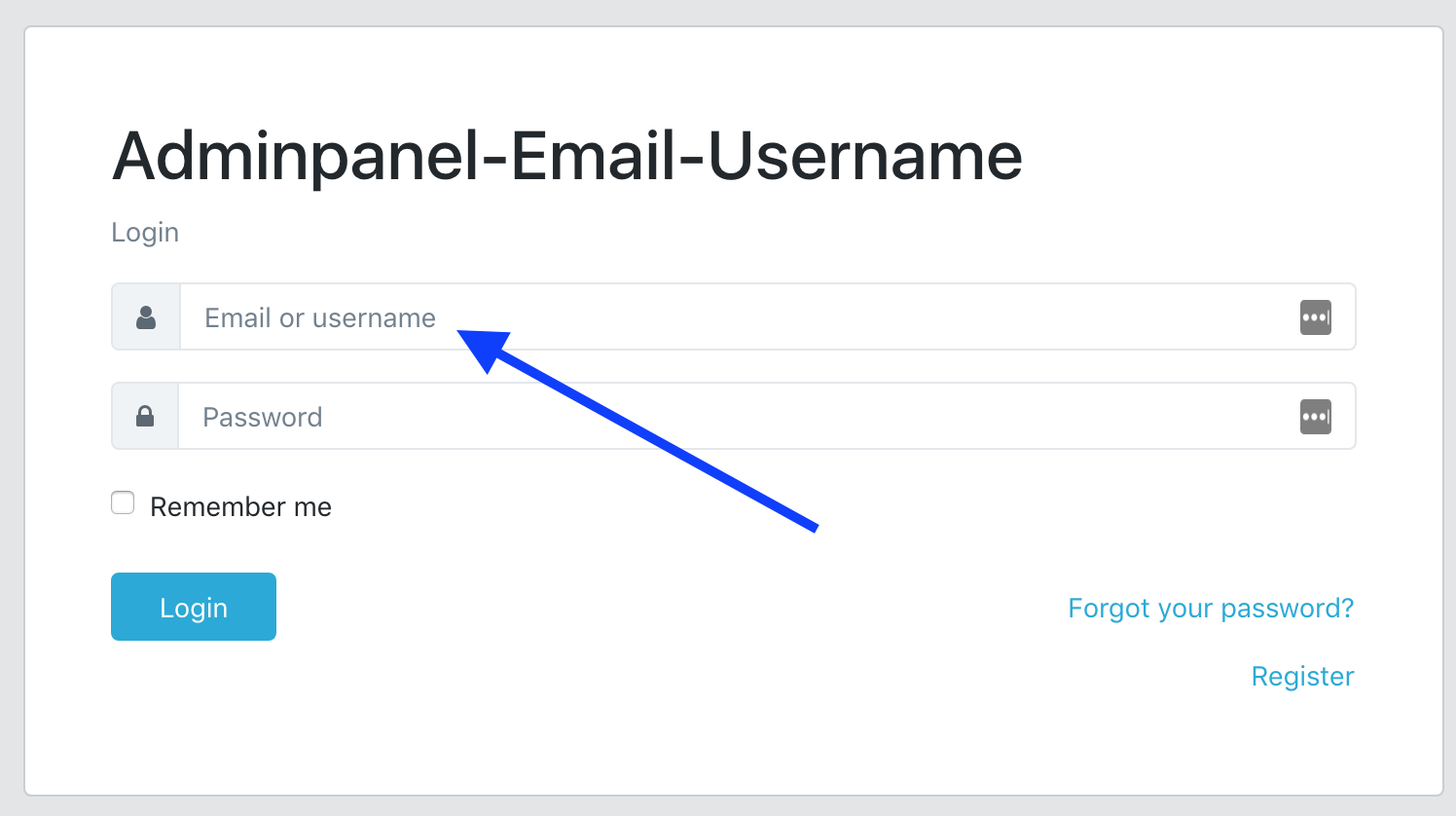
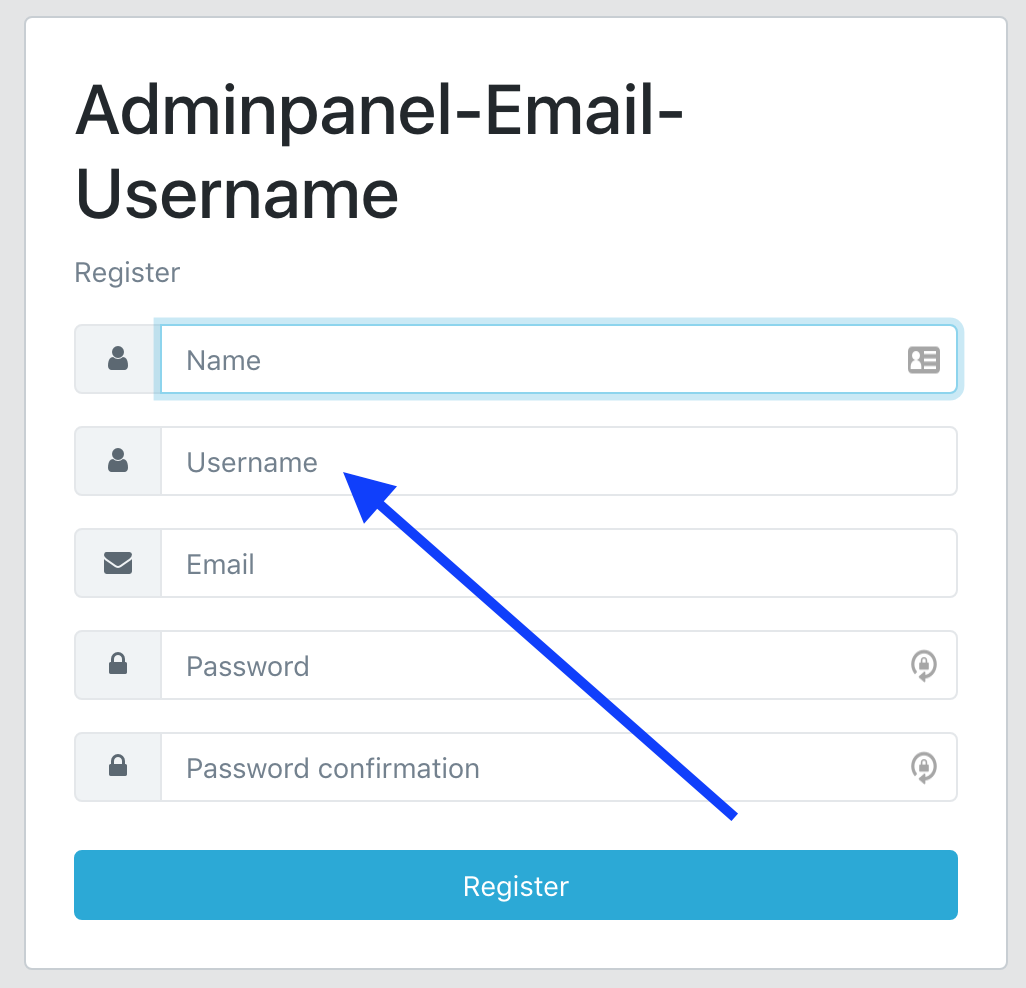
It is a demo project how to quickly add username into users table and allow users to login with email/password or username/password credentials.
Also:
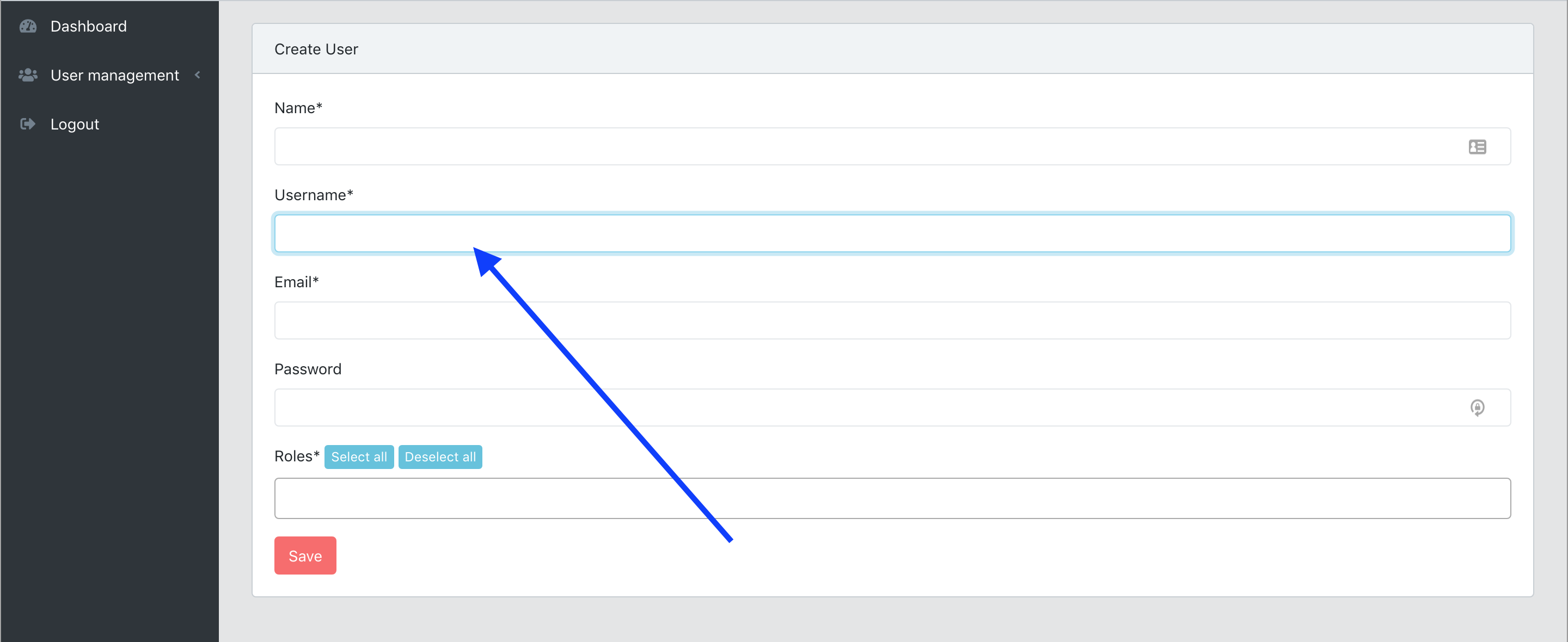
- It's adminpanel, so administrators are able to add/edit username field
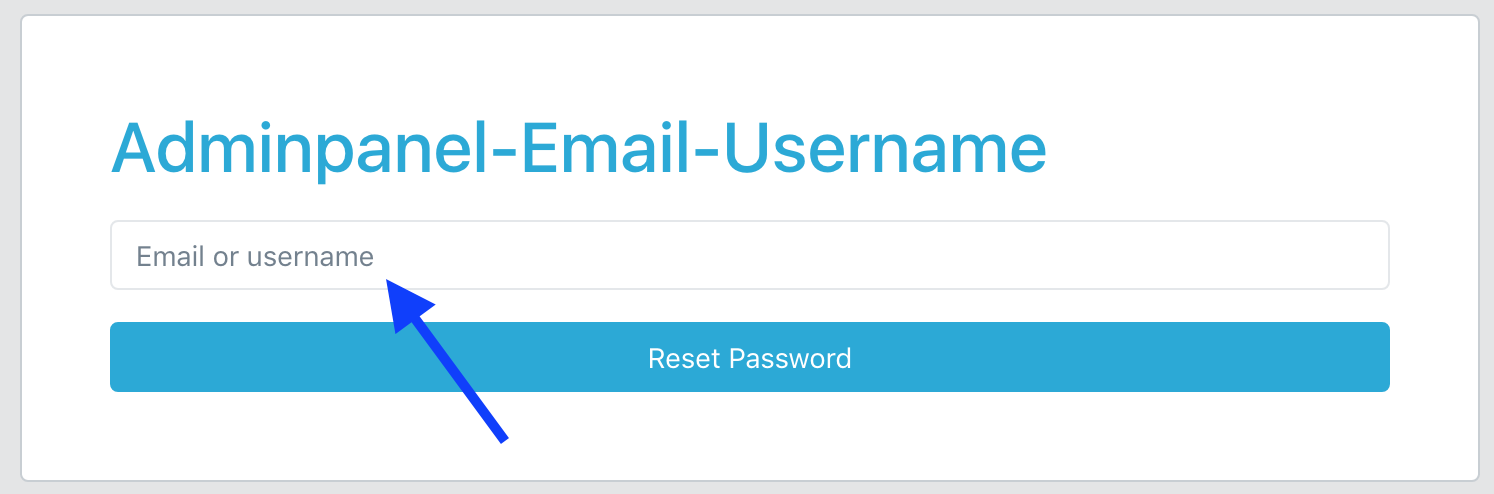
- Users are able to reset their password by entering username, not only by email
The core of this project was generated with our QuickAdminPanel tool.
#Screenshots
#How to use
- Clone the repository with git clone
- Copy .env.example file to .env and edit database credentials there
- Run composer install
- Run php artisan key:generate
- Run php artisan migrate --seed (it has some seeded data for your testing)
- That's it: launch the main URL or go to /login and login with default credentials admin@admin.com - password
#License
Basically, feel free to use and re-use any way you want.
#More from our LaravelDaily Team
- Check out our adminpanel generator QuickAdminPanel
- Read our Daily Blog with Laravel Tutorials
- FREE E-book: 50 Laravel Quick Tips (and counting)
- Subscribe to our YouTube channel Laravel Business
- Enroll in our Laravel Online Courses