
Xfetch




A cross-platform system information fetching tool written in Rust.

Menu
Previews
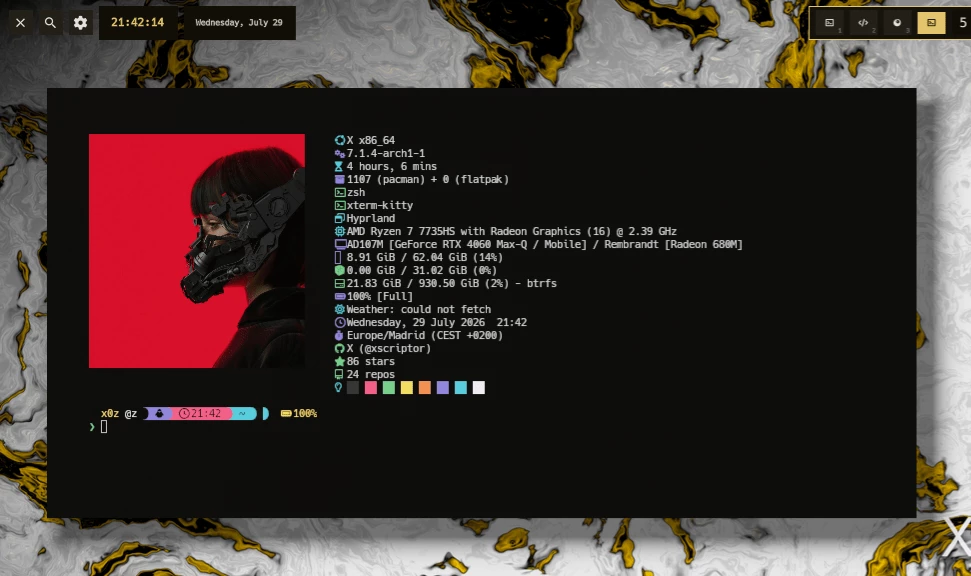
More...

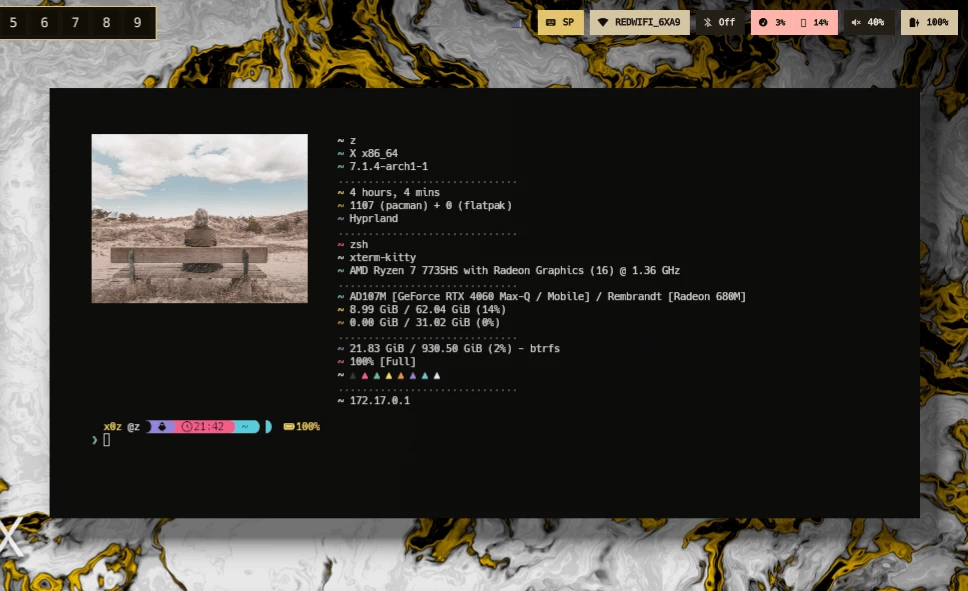
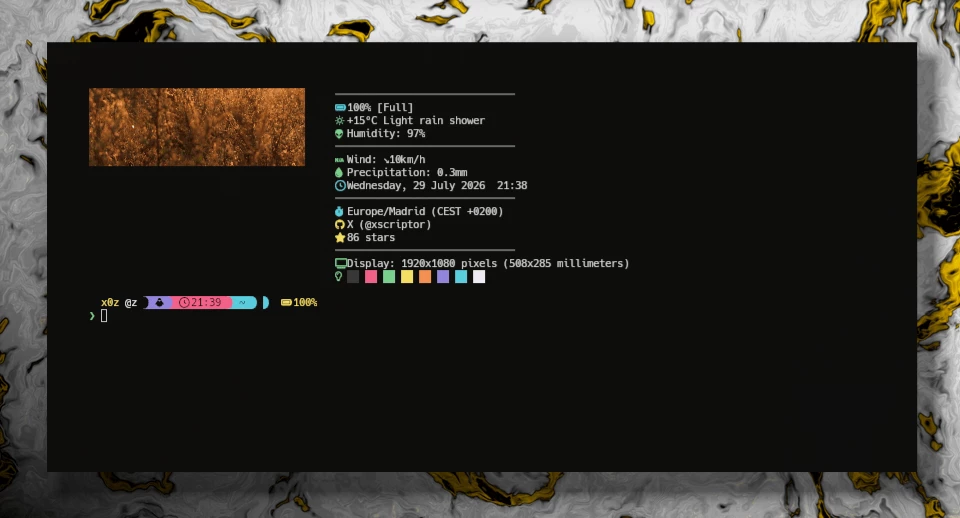
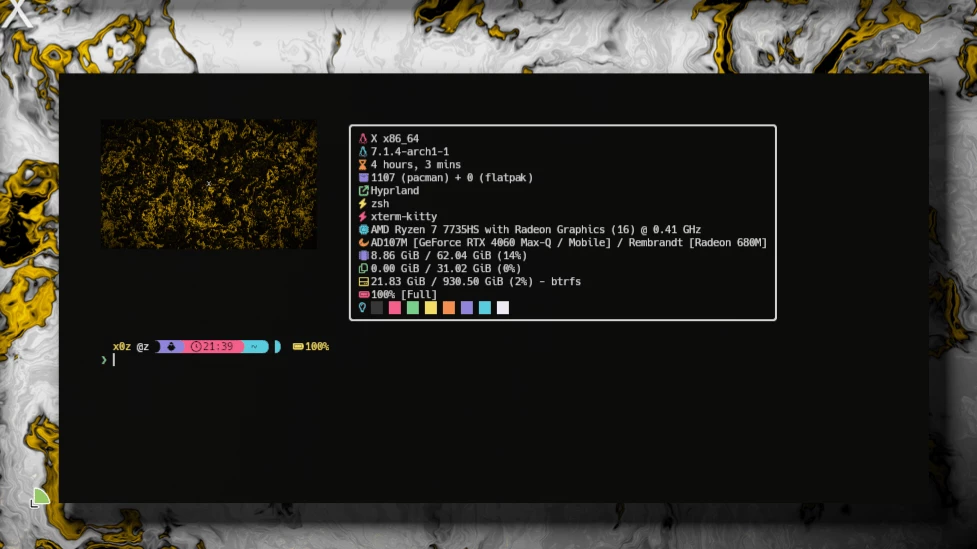
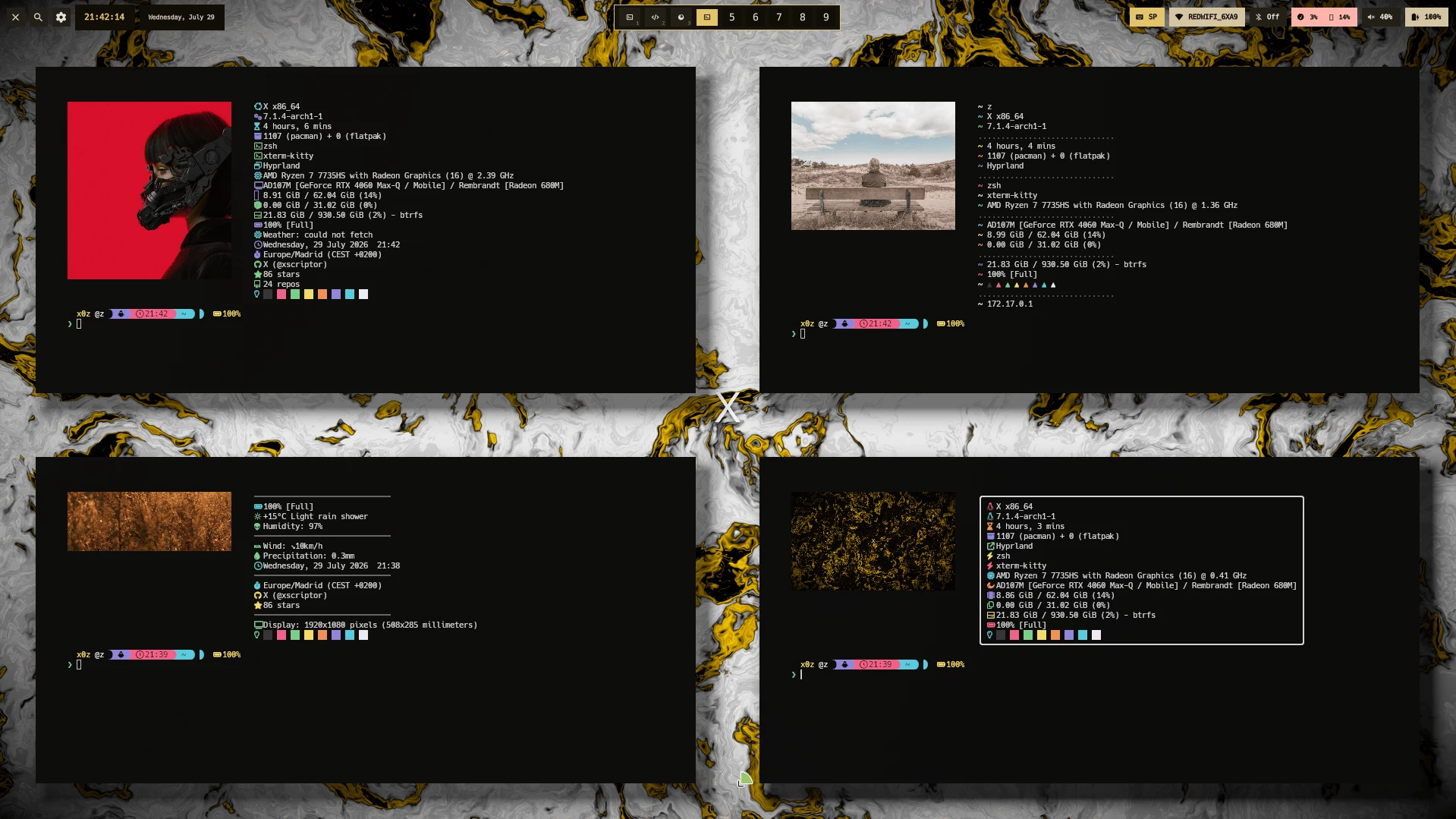
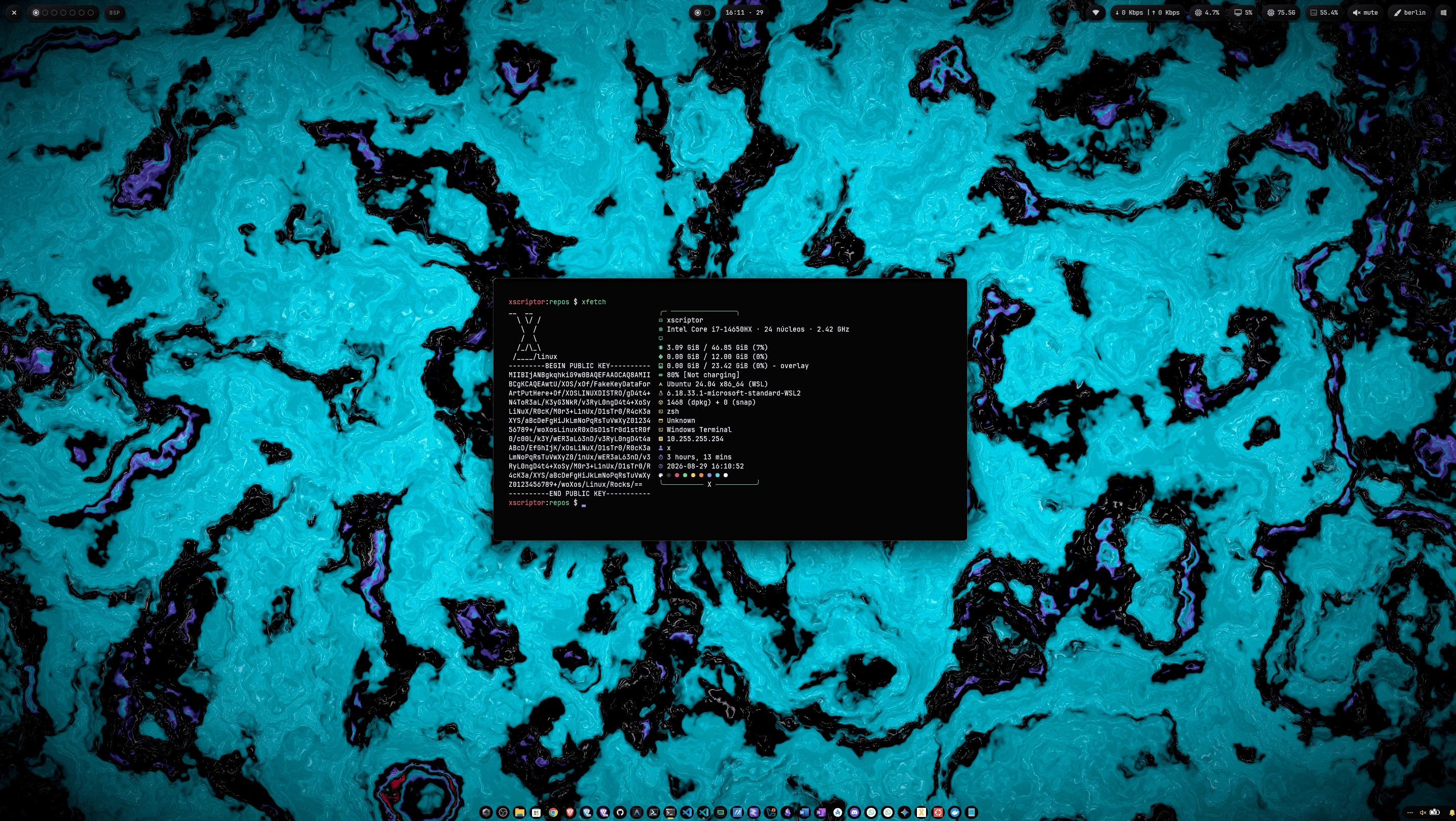
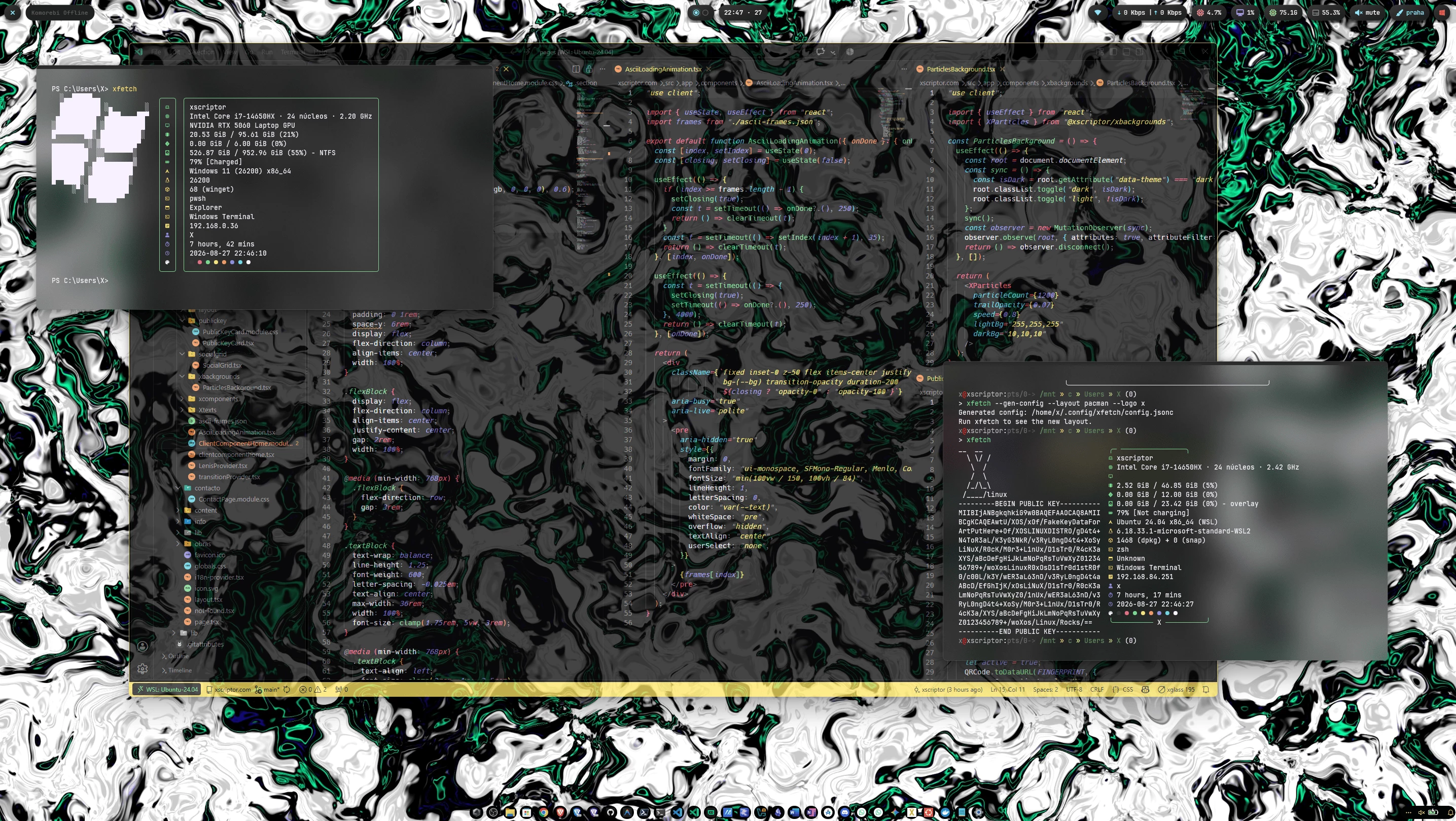
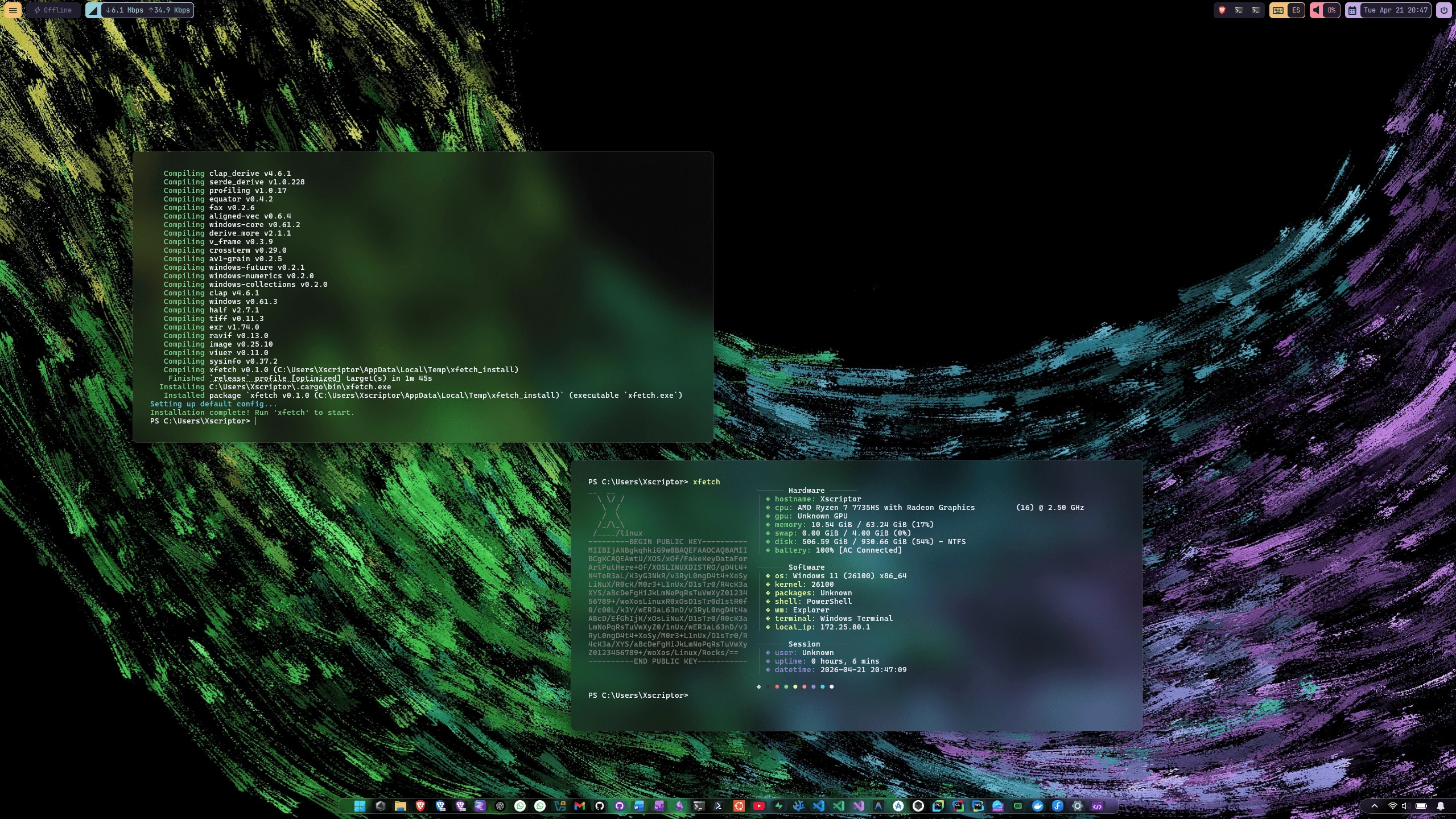
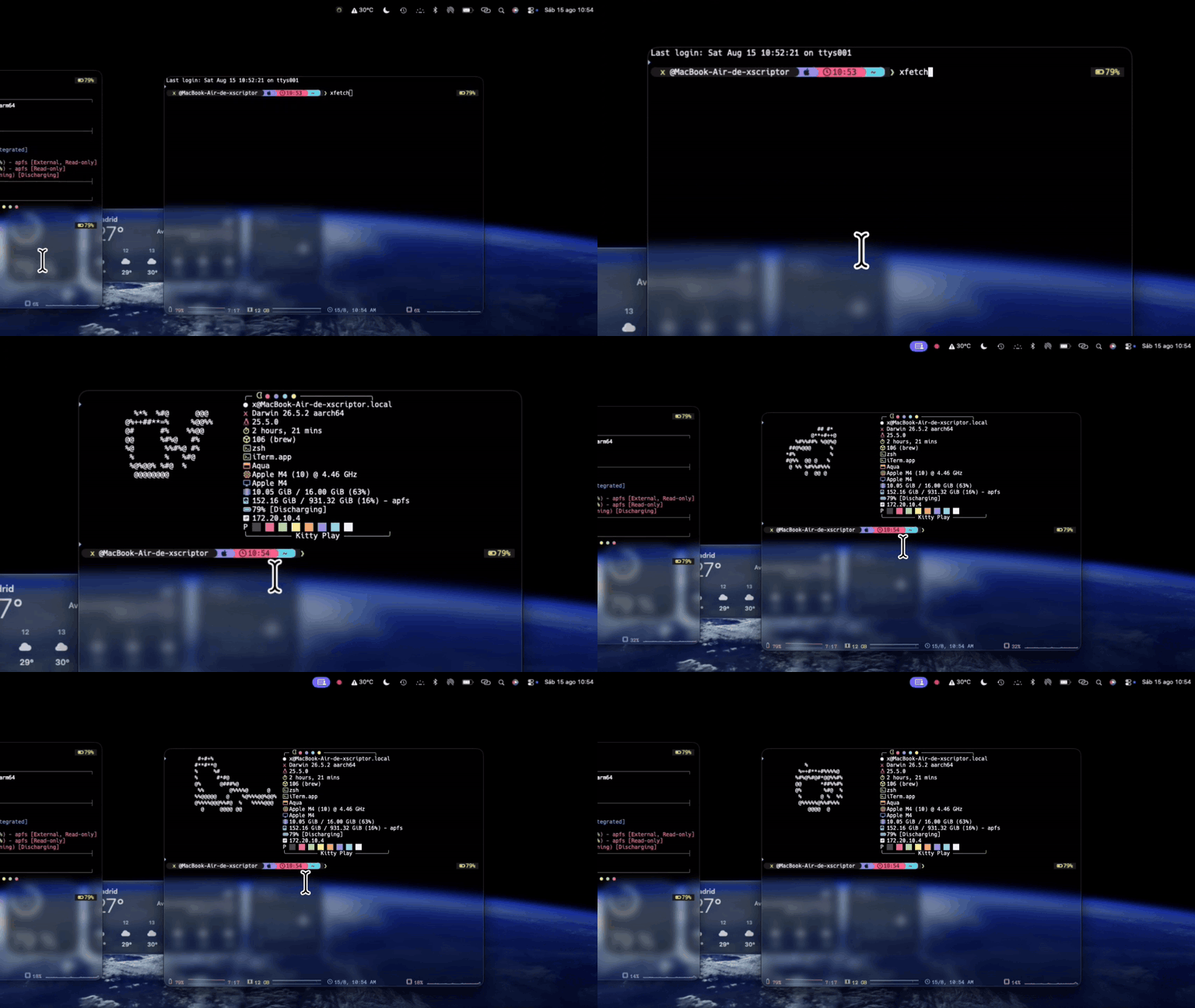
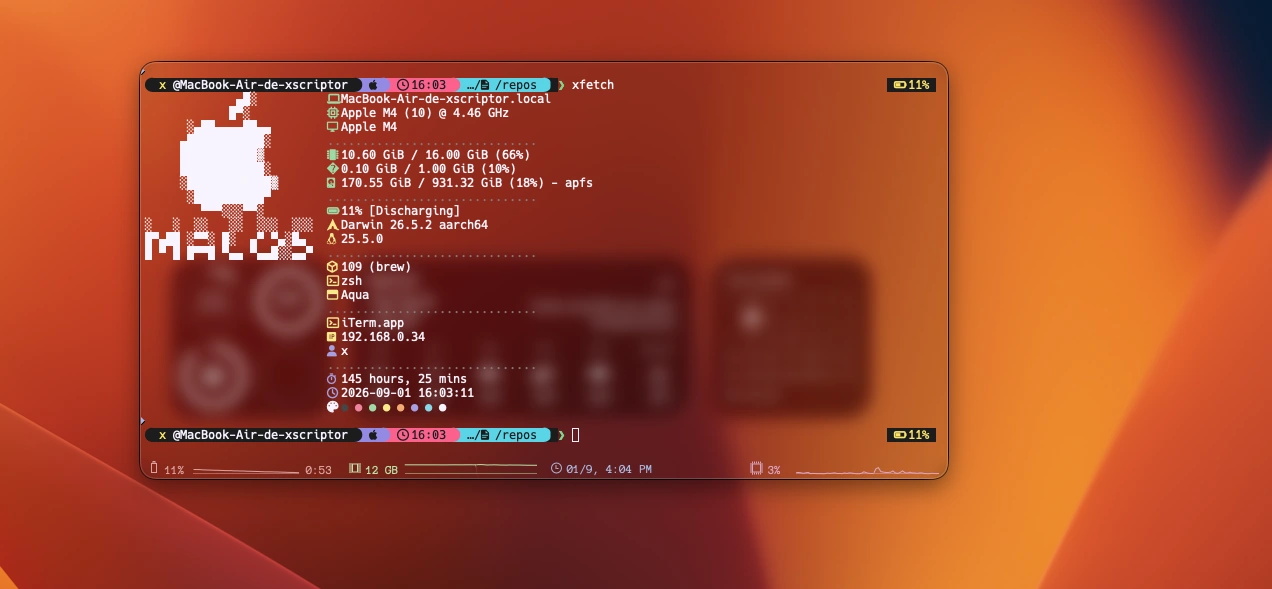
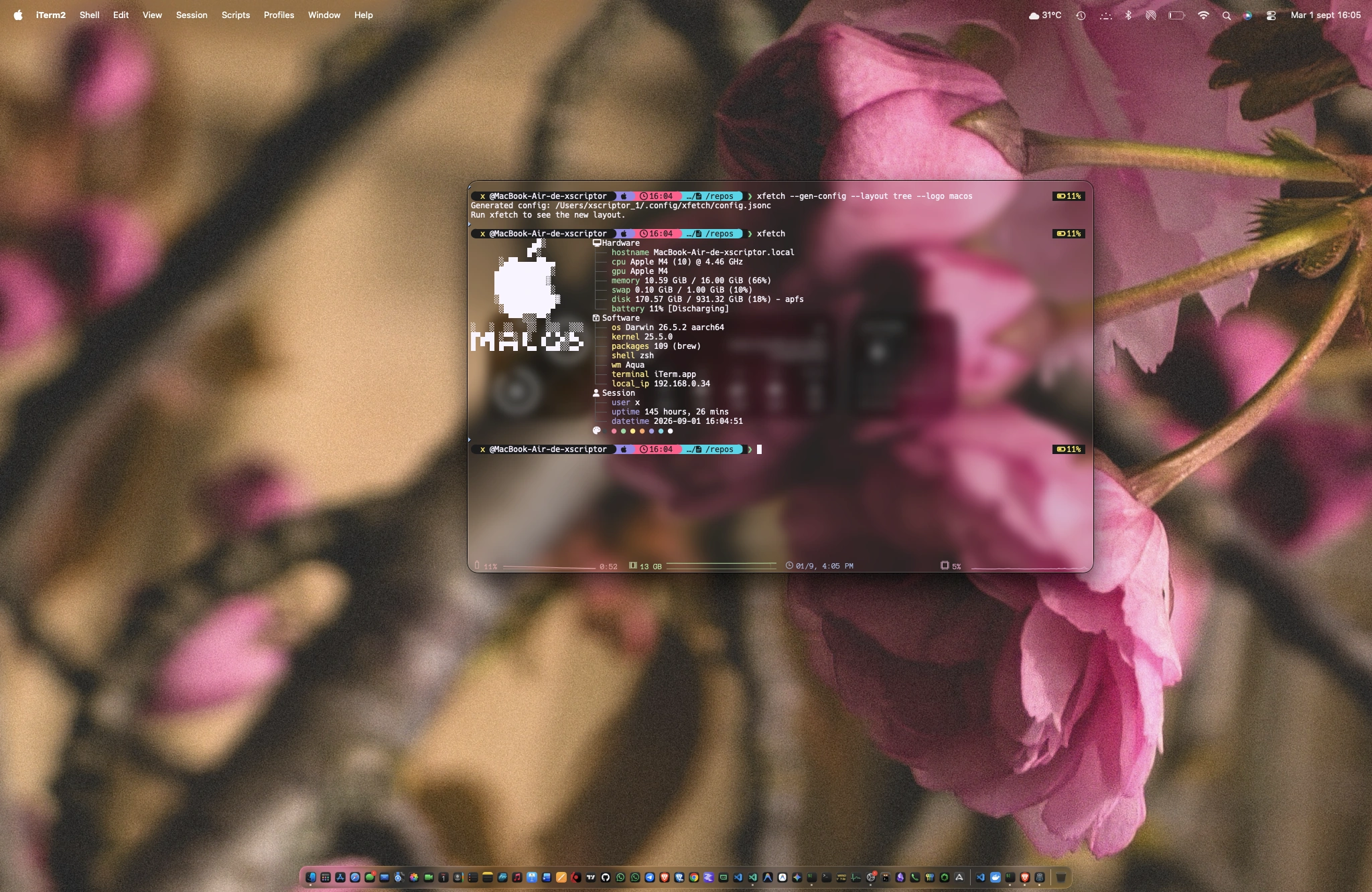
Quick Install
Linux / macOS (no sudo required):
curl -fsSL https://raw.githubusercontent.com/xfetch-cli/xfetch/main/install.sh | bash
The installer asks automatically for anything missing (Rust, C compiler, git, curl) — sudo is only used to install those dependencies, after your confirmation. For non-interactive runs (CI):
curl -fsSL https://raw.githubusercontent.com/xfetch-cli/xfetch/main/install.sh | bash -s -- --install-deps
Windows (PowerShell):
# Prebuilt binary (no Rust needed)
irm https://raw.githubusercontent.com/xfetch-cli/xfetch/main/install-prebuilt.ps1 | iex

# From source
irm https://raw.githubusercontent.com/xfetch-cli/xfetch/main/install.ps1 | iex
Cargo (crates.io):
cargo install xfetch-cli
macOS (Homebrew):
brew tap xfetch-cli/tap && brew install xfetch
Arch Linux (AUR, via yay):
yay -S xfetch-core-bin   # precompiled binary
yay -S xfetch-git        # build from source
For detailed installation steps — prerequisites, manual builds, package managers, and uninstallation — see the Installation Guide.
Features
- Cross-platform: Works on Linux, Windows, and macOS.
- Customizable: Configure modules, layouts, icons and colors via
config.jsonc. - Fast: Written in Rust for performance.
- Animated logos: Animate the ASCII logo with plugins (e.g.
animate-logo). - Effects: Installable intro animations that reveal the info with style (e.g. a "decrypt" effect) — opt-in via
"effects"in the config. - Daemon mode: Pin an animated fetch at the top of the terminal and keep using the shell below.
- Live stats daemon: Turn the pinned fetch into a live panel — re-probes cpu/memory/battery/... every few seconds (
daemon_live), with hot reload of the config on the fly (daemon_live_reload). - Themes, plugins & extensions: Switch visual themes, extend info with plugins, and transform the config with extensions.
- WebAssembly guests: Plugins, effects and extensions can be sandboxed
.wasmartifacts written in Rust, Python, Go, C and more, with manifest-based capabilities. See docs/WASM.md.
Configuration
xfetch looks for a configuration file at:
- Linux:
~/.config/xfetch/config.jsonc - Windows:
%APPDATA%\xfetch\config.jsonc - macOS:
~/Library/Application Support/xfetch/config.jsonc
Additional curated presets and example configs are maintained in
xfetch-cli/configs.
#Example Config (config.jsonc)
// Configuration for xfetch
{
  // Path to custom ASCII art file (optional)
  "ascii": null,
  // Modules to display
  "modules": [
    "os",
    "kernel",
    "wm",
    "packages",
    "shell",
    "cpu",
    "gpu",
    "memory",
    "disk",
    "battery",
    "uptime",
    "terminal"
  ],
  // Enable colors
  "show_colors": true
}
Usage
Simply run xfetch in your terminal.
xfetch                          # render the fetch
xfetch --daemon                 # pin an animated fetch at the top (daemon mode)
xfetch --daemon-stop            # stop the daemon
xfetch --no-daemon-live         # disable the live stats daemon (config: "daemon_live": true)
xfetch --daemon-live-stop       # stop the live stats daemon
xfetch --daemon-live-reload     # hot reload the live stats daemon ("daemon_live_reload": true)
xfetch --config path/to/config.jsonc
xfetch --gen-config             # generate a starter config
xfetch --clean-cache            # clear the module cache
xfetch plugin install <name>    # install a plugin
xfetch extension install <name> # install an extension
xfetch theme list               # list themes
xfetch effects install <name>   # install an intro effect (e.g. decrypt)
xfetch update --check           # check for a newer release
xfetch update                   # update to the latest release
Full documentation: see the docs below.
Related Documents
Contribute to the project, report issues, or connect with the developer using the links around